
Android · Open testing
Trimzy: Trim & Crop Video
Trimzy is a video trimmer and cropper for your phone. Drop in a video, cut out as many parts as you like in one export, chop the start and end, and crop it to the shape of the app you post to. Cuts are lossless when they can be, there is no watermark, no account, and your videos never leave your phone.
A look inside
What it does
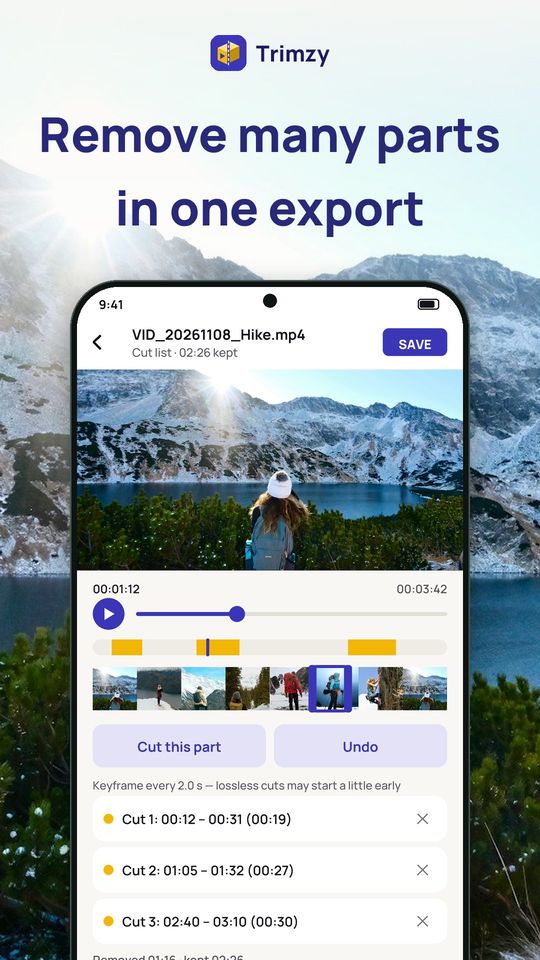
Cut many parts in one export
- Mark as many parts to remove as you need: each one appears in a list with its start, end and length
- Undo a mark or remove any one of them, and see how much you removed and how much is kept
- One export keeps everything else, so quality does not drop with every cut
- When every kept part starts on a keyframe, the cut is instant and lossless
- When it does not, choose Snap to keyframes (instant, shows how much extra is kept) or Frame-exact (re-encodes, slower)
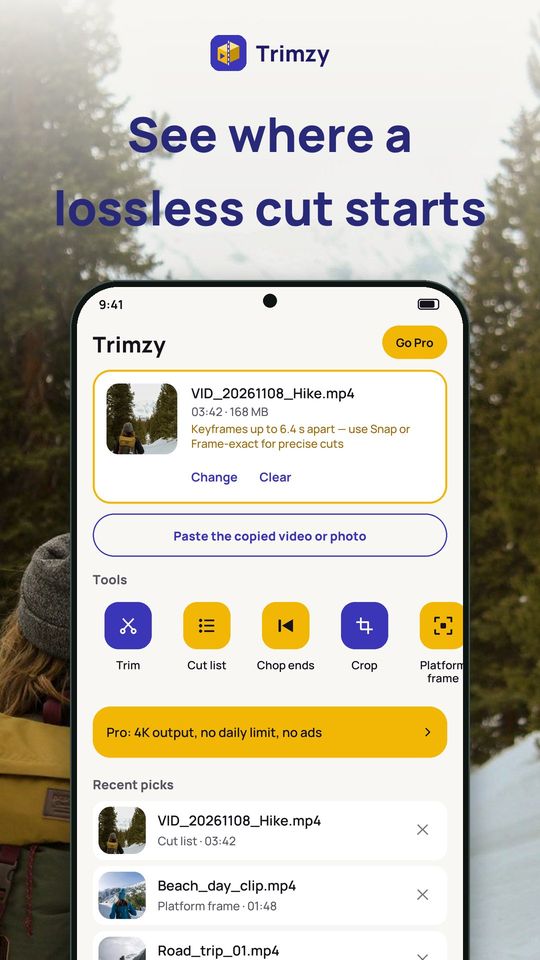
Know where a cut really starts
- The video card on Home shows how often the video has keyframes and tells you whether lossless cuts will land close to your marks
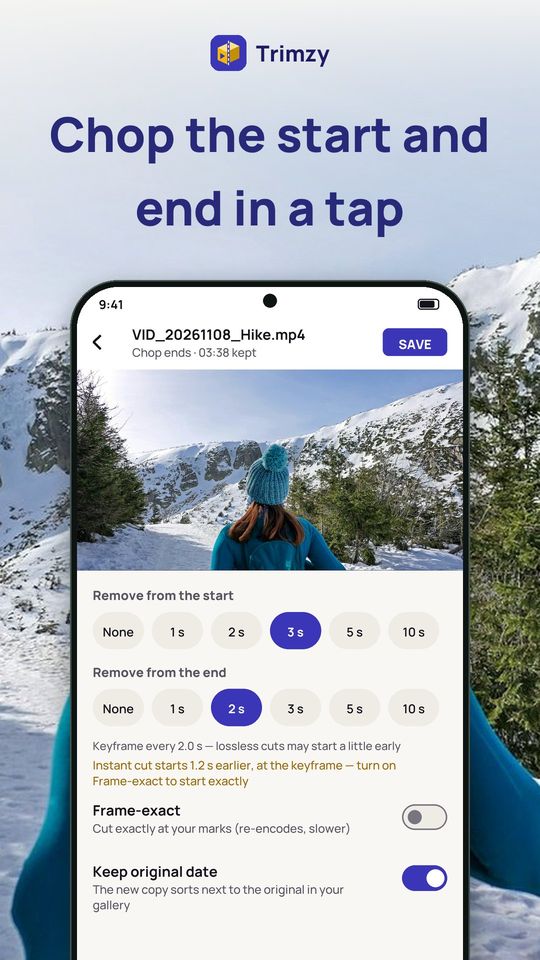
- Chop ends: remove 1, 2, 3, 5 or 10 seconds from the start or the end in one tap, for intros and "is it recording?" moments
- If an instant cut would start earlier than your mark, Trimzy says by how much, and Frame-exact starts exactly where you chose
- Keyframe marks and frame-by-frame stepping help you place the handles
Frame it for every app
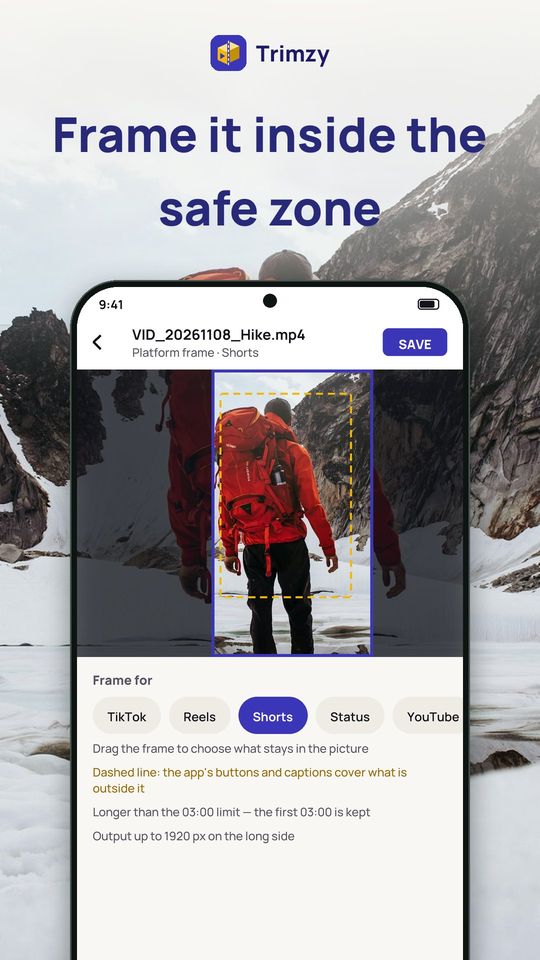
- Platform frame: TikTok, Reels, Shorts, Status, YouTube, X, Square 1:1 and Post 4:5
- Drag the frame to choose what stays in the picture
- A dashed safe-zone line for TikTok, Reels and Shorts shows where buttons and captions cover the video
- A length check tells you if the clip fits the limit; if it is too long, only the first part is kept
- Output size follows the platform and is capped to what your phone can handle right now
Crop, trim and fix your way
- Crop to 9:16, 1:1, 4:5, 3:4, 4:3, 16:9, 21:9, a free box or your own ratio, and straighten a tilted clip
- Trim: keep a selection, remove the middle or keep several parts and join them
- Fit the whole video into a frame with a blurred, black, white or colored background
- Rotate and flip: a plain rotation is instant and keeps full quality
- Reduce size with a quality level or a target in MB
- Extract audio as M4A or WAV, change a voice, add a filter, brighten and sharpen
Free and Premium
Free: every tool, with ads, 5 exports a day, up to 1080p and no watermark. Premium removes all ads and adds unlimited exports, 2K and 4K output at 60 fps, strong sharpen and denoise, HD GIFs and more. Plans: monthly, yearly with a 3-day free trial, or a one-time lifetime purchase.
Privacy
Videos are edited on your phone. Trimzy never uploads them, and no account is needed. You choose files with the system picker, so Trimzy only sees what you pick. Install Trimzy and cut your next video without losing quality.